tapStat · Tracking
Why GA4 revenue doesn't match Shopify
GA4 and your store count different things in different ways, so they will never match to the cent. A steady gap of a few percent up to around 15% is common. What matters is that the gap stays steady. A gap that suddenly grows means tracking broke.
The 9 reasons the numbers differ
- Consent and cookie banners. With Consent Mode, visitors who decline analytics aren't fully counted. In the EU this is often the biggest single cause.
- Ad blockers and privacy browsers. They block the GA4 tag for part of your visitors, so their orders never reach GA4.
- The thank-you page never loads. Customers who pay by bank app, PayPal or iDEAL and don't come back to your site may never trigger the purchase event.
- Orders GA4 can't see. Draft orders, point-of-sale, phone orders, marketplace orders and subscription renewals happen without a website visit.
- Different revenue definitions. Your store may report totals with or without tax, shipping and discounts. GA4 reports whatever
valueyour integration sends. - Refunds. GA4's purchase revenue subtracts refunds only if your store sends refund events. Gross purchase revenue ignores them.
- Time zones and dates. GA4 uses the property's time zone. If it differs from your store's, orders around midnight land on different days.
- Currencies. GA4 converts to the property's currency at its own rate. Multi-currency stores see small differences every day.
- Duplicates and test orders. A purchase event sent twice, for example on a page reload, inflates GA4. Test orders inflate both, unless you filter them.
How big should the gap be?
| GA4 compared with your store | What it usually means |
|---|---|
| Within 5% lower | Healthy tracking |
| 5 to 15% lower | Normal with a cookie banner in the EU, or many off-site payments |
| More than 20% lower | Something is missing: check payment redirects and the thank-you page |
| Higher than your store | Duplicate purchase events or test orders |
| A sudden change | Tracking broke or changed. Find out what was released that day |
Shopify specifics
- Shopify sends GA4 events through the Google & YouTube app or a custom pixel. The old checkout scripts no longer run on the thank-you page, so old setups often stopped sending purchases.
- Use one integration only. Running the Google & YouTube app and a separate GTM purchase tag at the same time sends every order twice.
- Shopify's own "Total sales" includes or excludes tax and shipping depending on the report. Compare GA4 with the same definition.
What to do about it
- Pick one definition (for example gross sales excluding tax) and compare GA4 with that for the last 30 days, day by day.
- Write down the normal gap. That's your baseline.
- Use your store's back office for bookkeeping and GA4 for trends, channels and products.
- Watch for the gap changing. That is the moment to investigate.
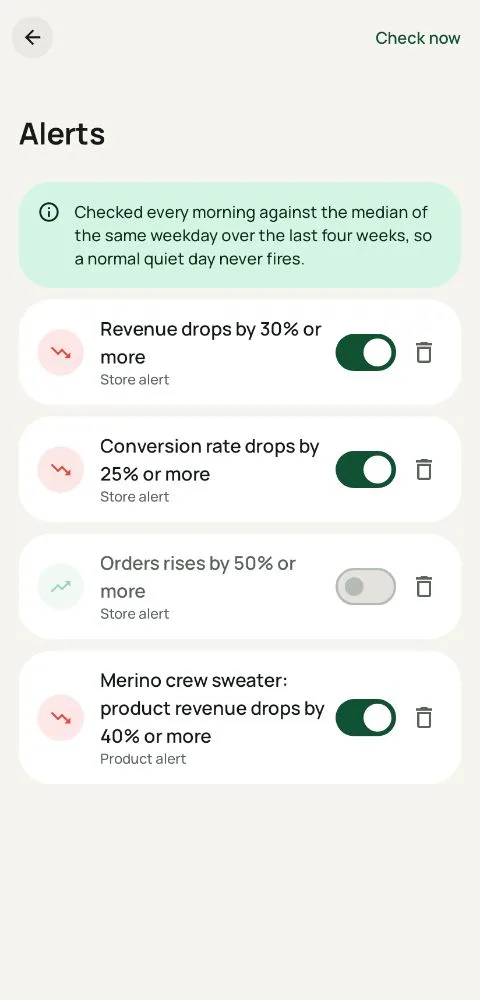
tapStat shows gross revenue on the dashboard, so refunds that arrive later don't change yesterday's number, and refunds have their own line. Its free tracking health alerts tell you when purchase data stops coming in, which is the gap that matters most.
Questions
Why is GA4 revenue lower than Shopify?
Mostly because of cookie consent, ad blockers, customers who don't return to the thank-you page after paying, and orders without a website visit. A steady gap of up to around 15% is common.
Why is GA4 revenue higher than Shopify?
Usually duplicate purchase events, for example from two integrations sending the same order, or a thank-you page that fires again on reload. Check that each transaction ID appears once.
Which number should I trust?
Your store's back office for money, GA4 for where buyers came from and how they behaved. Keep the gap steady and both stay useful.